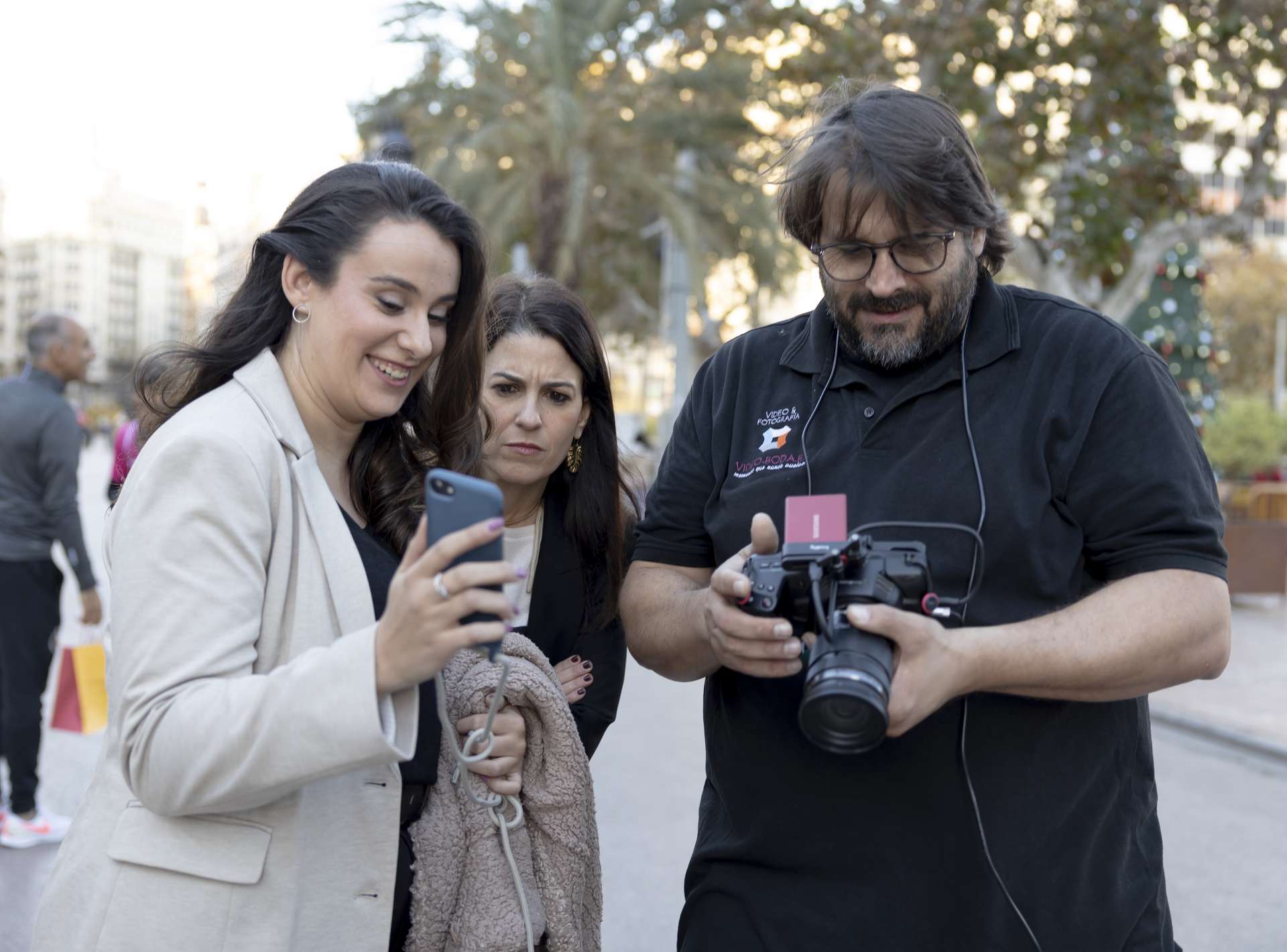
I'm Israel Díaz,
a wedding videographer and photographer.
None of these tools started as a business idea. They started as late nights sorting 800 clips from three cameras, cropping the same photo five times over, and renaming cards at two in the morning.
I built them for myself. I use them on every wedding I shoot. I released them because the problem turned out not to be mine alone.
Israel Díaz · EditHacks
Mecano
159€Multicam sync software. Sync all your cameras by reading metadata and review your footage in half the time. No transcoding. No touching your files.
3 cameras, a drone, 250 files, mixed framerates. Mecano places everything on an XML timeline in under 2 minutes. Premiere, Resolve or Final Cut import it directly.
- ✓ Frame-accurate metadata sync (Fraction engine)
- ✓ Thermal drift correction — dual anchoring for long events
- ✓ Mix 25fps + 50fps + 29.97fps + 120fps without conforming
- ✓ Compaction: a 10h wedding → 4h of useful footage
- ✓ Exports XML (Premiere/Resolve/FCP), CSV and ALE (Avid)
- ✓ Evaluates how much each operator shot and when
Using PluralEyes? It entered limited maintenance in 2023. Mecano is a professional alternative that keeps evolving.
CropFlow
119€Batch cropping for all your channels. One image, five formats. Instagram, stories, web, printed album and direct print — all at once, without losing the composition you wanted.
CropFlow isn't a basic cropper. It's a multi-format reframing workstation. Define 2, 3 or 5 crops with different aspect ratios on the same image, navigate through 600 photos with saved crops, and export everything in parallel.
- ✓ Multiple simultaneous crops per image — each with its own ratio
- ✓ Independent sessions (web, social, print, album)
- ✓ Copy, paste and propagate crops between photos
- ✓ Direct printing with exact printer format (DNP)
- ✓ Parallel mass export with ratio-based splitting
- ✓ Reusable crop presets and keyboard shortcuts
ImageFlow
99€Batch image processing and export. Turn one selection into multiple deliveries — web, social, gallery, print or thumbnails — without repeating the work for every destination.
- ✓ Simultaneous multi-export: JPG, WEBP and PNG
- ✓ Configurable watermark per batch
- ✓ Reusable profiles
- ✓ Whole-folder processing
- ✓ Independent outputs per destination
- ✓ Built for professional delivery workflows
Product demonstration in Spanish.
NameFlow
FREE
Professional batch renaming. Organize hundreds of files with preview, history and per-batch undo.
- ✓ Preview before renaming
- ✓ Real per-batch undo
- ✓ Prefix memory
CutFlow
FREE
Cut video without opening a full editor. Mark IN, mark OUT, drag to the queue and keep going. Execute all cuts at the end.
- ✓ I → O → drag workflow
- ✓ Reusable cut queue
- ✓ Direct cut without re-encoding
AudioFlow
FREE
Batch convert and extract audio. Process whole folders and pull audio from video without web portals.
- ✓ Recursive batch processing
- ✓ MP3 and WAV
- ✓ Extract audio from video formats